Client Operations
SOP PlaybookScope Change Playbook
Scripts, templates, and a decision tree for mid-project scope requests.
What's in the kit
- Decision Tree checklist: classifies any scope change into 3 outcomes instantly
- Copy-paste email templates: script for telling client work is out of scope, ready to send
- Editable Change Order DOCX: five-section format, covers scope change process for freelancers
- 30-minute response framework: handle client asking for extra work mid-project without stalling
The situation
Why this kit exists.
Knowing how to handle scope creep requests from clients is the difference between a profitable project and one you finish at a loss. The request usually arrives as a casual email or a Slack message that starts with 'quick question' — and by the time you've read it, you're already doing math in your head, trying to figure out whether you can absorb it or whether you're about to have an uncomfortable conversation. Most solo operators either say yes to avoid conflict and eat the margin, or they freeze and say nothing while the project keeps moving. Neither works.
This kit gives you four tools to handle it: the Scope Change Playbook (guide PDF) that walks you through the full response process from the moment the request lands; the Scope Change Decision Tree (checklist PDF) that classifies any request into one of three outcomes — Absorb It, Propose Add-On Fee, or Escalate to Formal Change Order — using three decision criteria evaluated in sequence; the Change Order and Scope Change Email Templates (script pack PDF) with copy-paste language for every scenario including retainer boundary violations, fixed-price add-ons, and last-minute feature requests before launch; and the Change Order Template (editable DOCX) that formalizes the scope change with all five required sections and gets you a signed approval.
Here's how you actually use it. A client emails asking to add a deliverable. You open the Decision Tree, run the request through Time Impact, Complexity, and Relationship Stage in sequence. The tree tells you which of the three outcomes applies. If it's a formal change order, you open the email template, drop in the six template variables — client name, change description, additional fee, timeline impact, original scope summary, approval deadline — send the initial response within 30 minutes, then follow it with the completed Change Order Template for signature. The whole process from request to documented approval runs on a defined track instead of an improvised conversation.
This kit was built because the 'quick question' problem kept showing up the same way: a reasonable-sounding request, no clear process for evaluating it, and a solo operator who either said yes too fast or handled it awkwardly and damaged the relationship. The 2-hour threshold in the Decision Tree — the dividing line between an absorbable small add-on and a scope change requiring a formal change order — came from working through enough of these situations to see where the margin actually disappears.
What's inside
Every file. What it does.
-
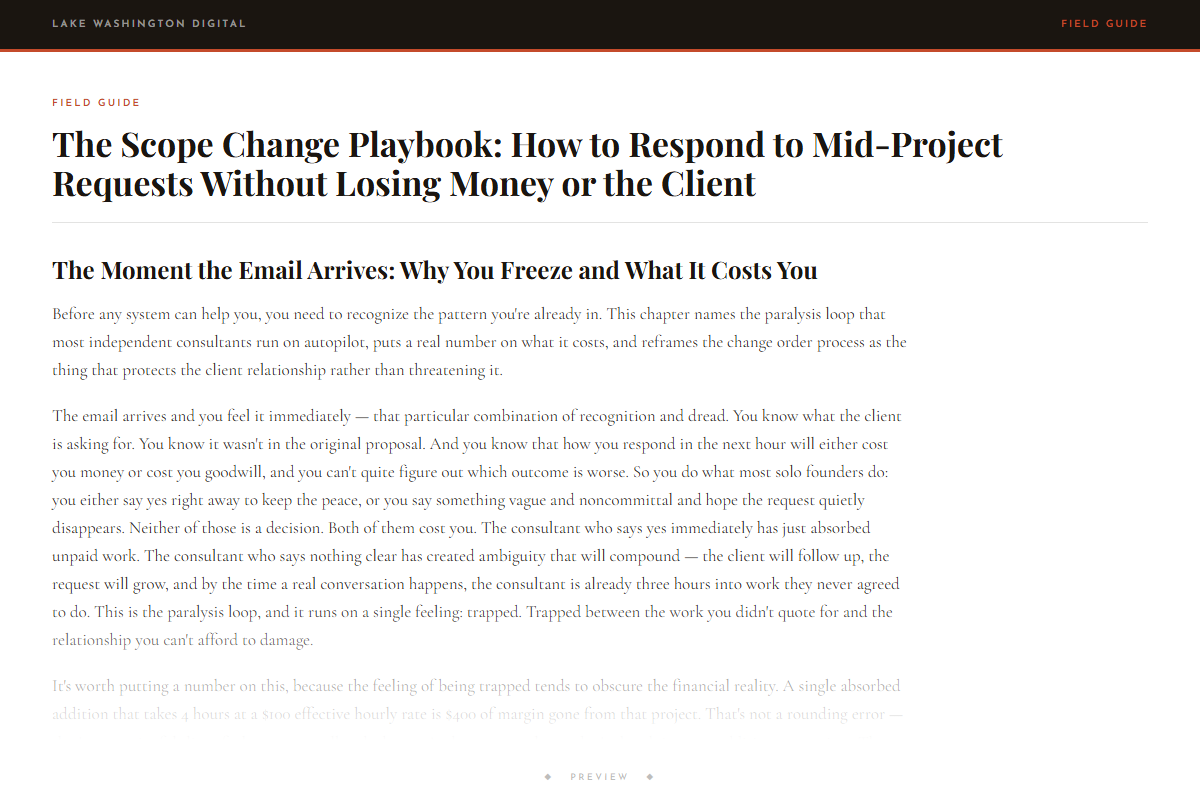
The Scope Change Playbook: How to Respond to Mid-Project Requests Without Losing Money or the Client
-
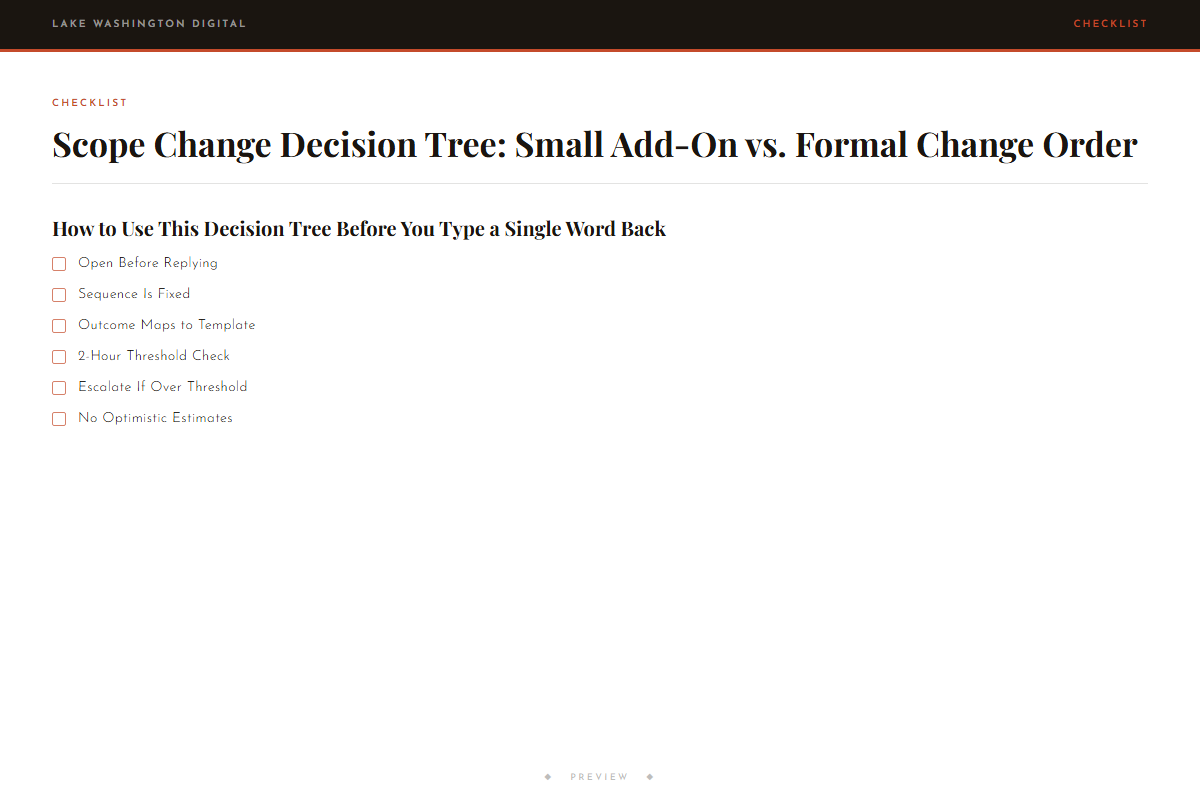
Scope Change Decision Tree: Small Add-On vs. Formal Change Order
-
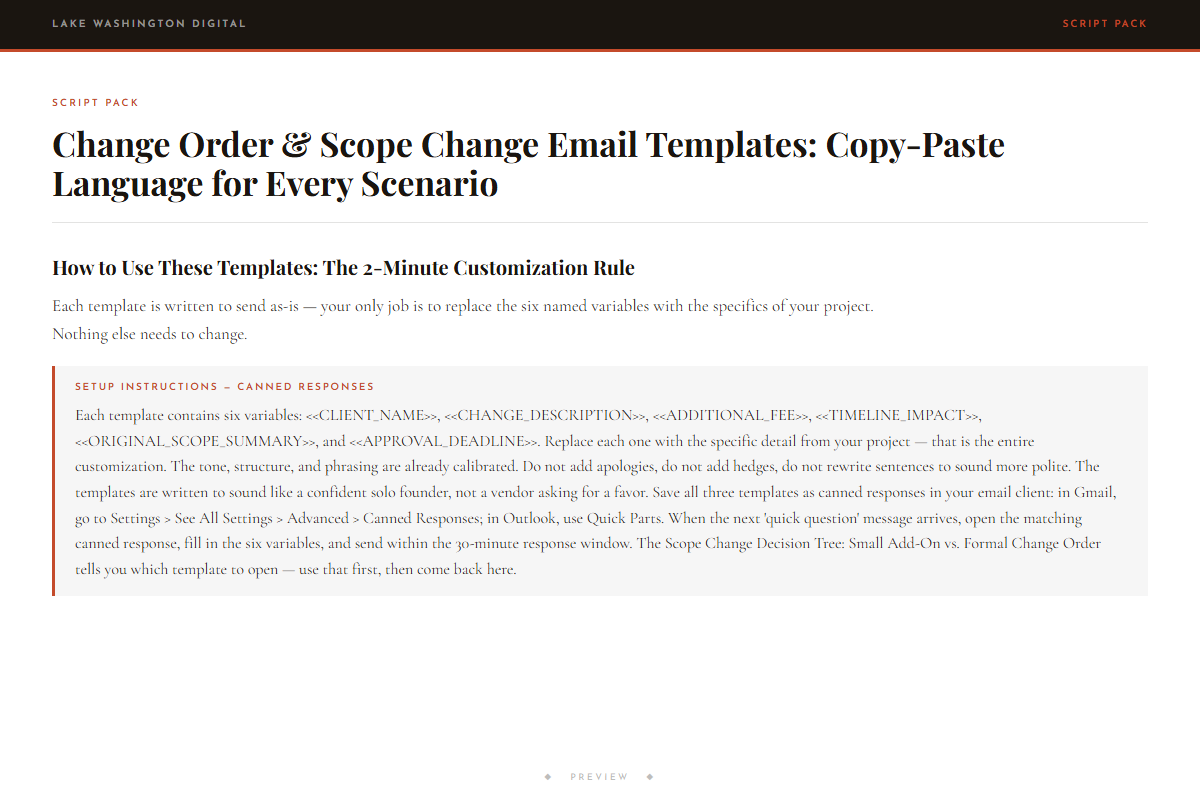
Change Order & Scope Change Email Templates: Copy-Paste Language for Every Scenario
-
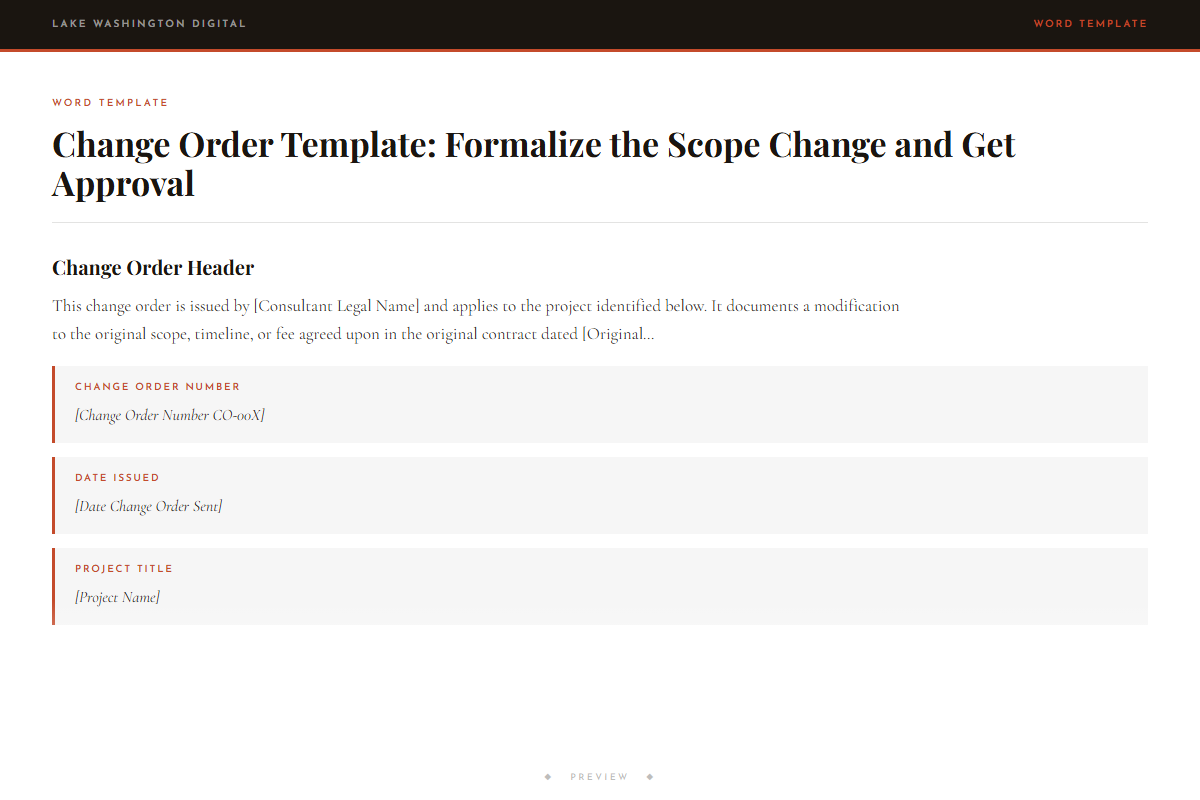
Change Order Template: Formalize the Scope Change and Get Approval
Who this is for
You'll get immediate use from this if…
- Freelance developers and designers on fixed-price projects where a client adds pages, features, or deliverables two weeks before launch and expects no price change — the exact margin-erosion scenario this kit was built around.
- Independent consultants and brand strategists who need a defined scope change process for freelancers so they stop making the absorb-or-ignore decision on the fly every time a client emails mid-project.
- Retainer-based copywriters and operators whose clients send a 'quick question' that turns into a full out-of-scope request — and who need a script for telling the client the work is out of scope without blowing up the relationship.
Questions
Before you buy.
- What do I say when a client asks for more work in the middle of a project?
- The email template pack has copy-paste language for exactly this situation. You send a short acknowledgment within 30 minutes — the template is written for you — then follow with either an add-on fee proposal or a formal change order depending on what the Decision Tree tells you.
- How do I respond to mid-project scope changes without losing money or the client?
- The Decision Tree classifies the request first so you know which response track to use. Small add-ons get a different response than formal scope changes. The templates are written to hold the boundary while keeping the relationship intact — they're direct, not adversarial.
- How do I protect my margins when clients add deliverables late in a project?
- The 2-hour threshold in the Decision Tree is the key number. Anything under 2 hours of additional work can be evaluated as an absorbable add-on. Anything over goes to a formal change order with documented fee and timeline impact. That line stops the margin from eroding one 'small ask' at a time.
- Is there a script for telling a client their request is out of scope?
- Yes. The email template pack includes a dedicated template for out-of-scope responses — including a version for retainer clients who send requests outside their defined deliverables. The language is direct and doesn't apologize for the boundary.
- Does this work for fixed-price projects specifically?
- Yes. The Decision Tree and Change Order Template were built with fixed-price projects in mind — the scenario where a client adds features or pages and assumes the price doesn't change. The change order sections include original scope summary and approval signature specifically to close that assumption down.
More in Client Operations
Other kits for this situation.
Field guide
Go deeper on the situation.
Scope Change Playbook
Deploy the same day you download it.