Business Admin
SOP PlaybookClient Folder Structure Playbook
Folder system and contractor onboarding kit for consultants with 20+ active clients.
What's in the kit
- Ready-to-Drop Folder Template: copy into your drive and rename today
- Contractor onboarding process template: checklist stops file chaos before it starts
- File organization system for multiple clients: one structure that scales past 20 accounts
- Version control cheatsheet: one-page naming reference your whole team uses immediately
The situation
Why this kit exists.
If you don't have a client folder structure system for consultants already running, you feel it every time you onboard a new contractor, hand off a deliverable, or try to find a file someone else named 'final_FINAL_v3_USE THIS ONE.' When you're managing 20 or more active accounts, the cost of disorganization isn't abstract — it's 20 minutes hunting for a file, a contractor who saves things wherever, and a client who gets the wrong version of a document.
This kit contains four assets: the main playbook PDF walks you through the exact folder logic and naming conventions used across multi-client consulting operations. The Contractor Onboarding Checklist covers every step for getting a new contractor into your file system without creating new chaos. The Ready-to-Drop Folder Template is a pre-built DOCX structure you copy into your drive today. The Deliverable Naming Convention and Version Control Cheatsheet is a one-page reference your whole team can use from day one.
Here's how you use it: download the folder template, drop it into your Google Drive or local storage, rename the client placeholders, and you have a working structure in under an hour. When a new contractor starts, hand them the checklist and the cheatsheet. That's the onboarding. No explanation meeting required. The playbook is there when you want to understand the logic or adapt it to your specific setup.
This came out of running a consulting operation where the file situation had gotten genuinely out of hand — different contractors, different naming habits, clients with overlapping project names, and no single place where anything lived predictably. The folder structure in this kit is the one that actually held up across 20-plus active accounts without requiring constant maintenance or re-explanation.
This is a download, not a course. There's no video to watch, no module to complete. You open the files and start using them. If you already have a system that works, you don't need this. If you're rebuilding from scratch or onboarding contractors into a mess, this is the faster path.
Download it, drop in the folder template, and send the checklist to your next contractor.
What's inside
Every file. What it does.
-
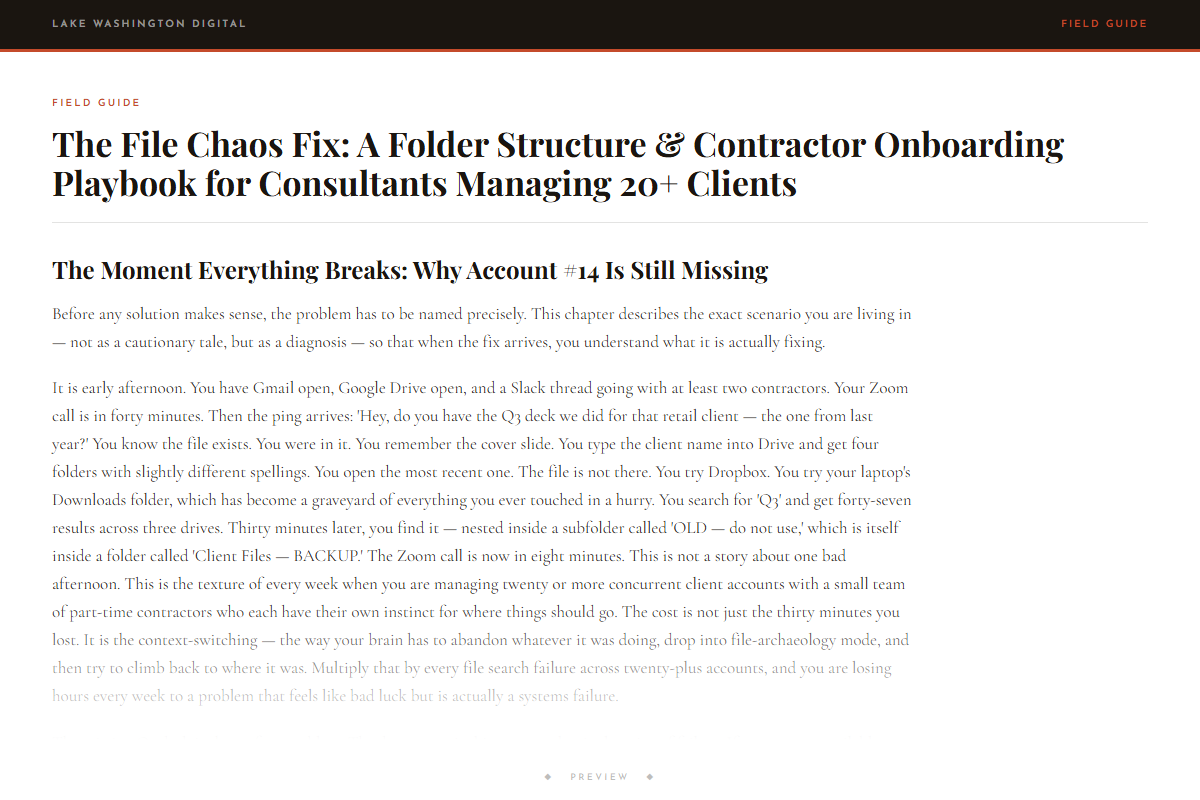
The File Chaos Fix: A Folder Structure & Contractor Onboarding Playbook for Consultants Managing 20+ Clients
-
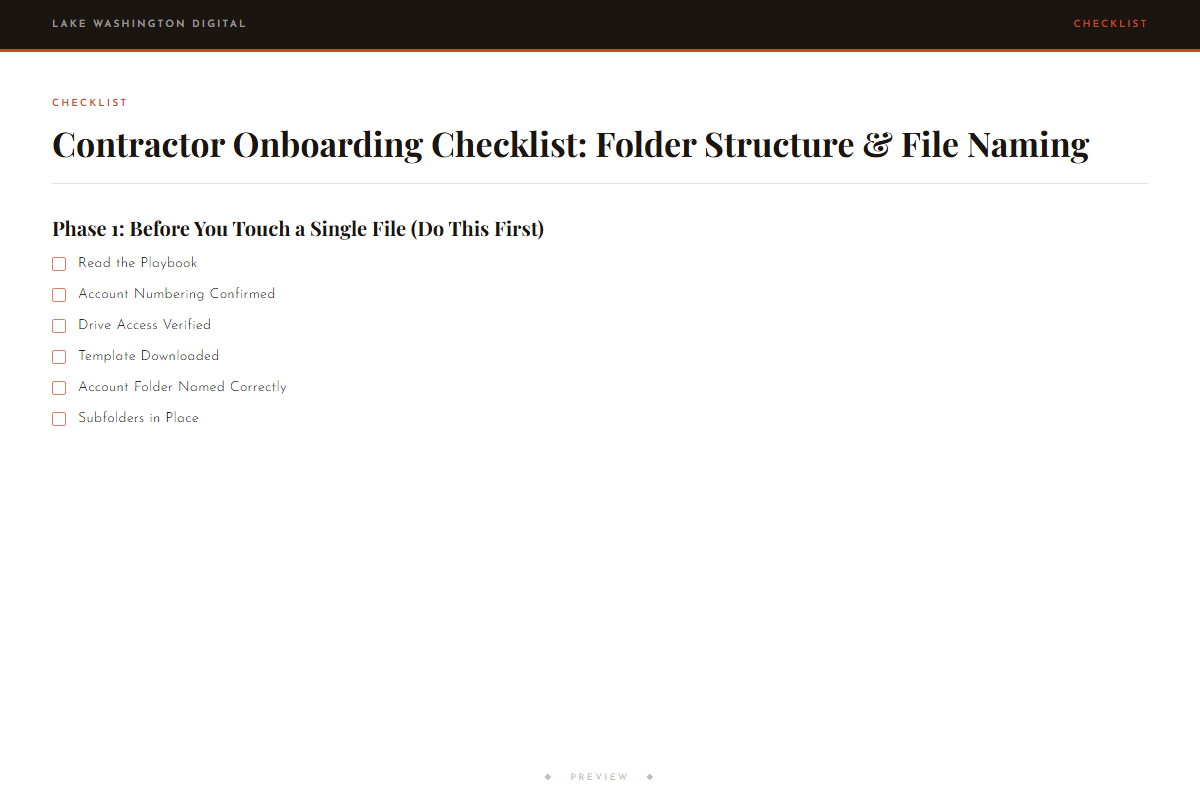
Contractor Onboarding Checklist: Folder Structure & File Naming
-

Ready-to-Drop Folder Template: Multi-Client Consultant Structure
-
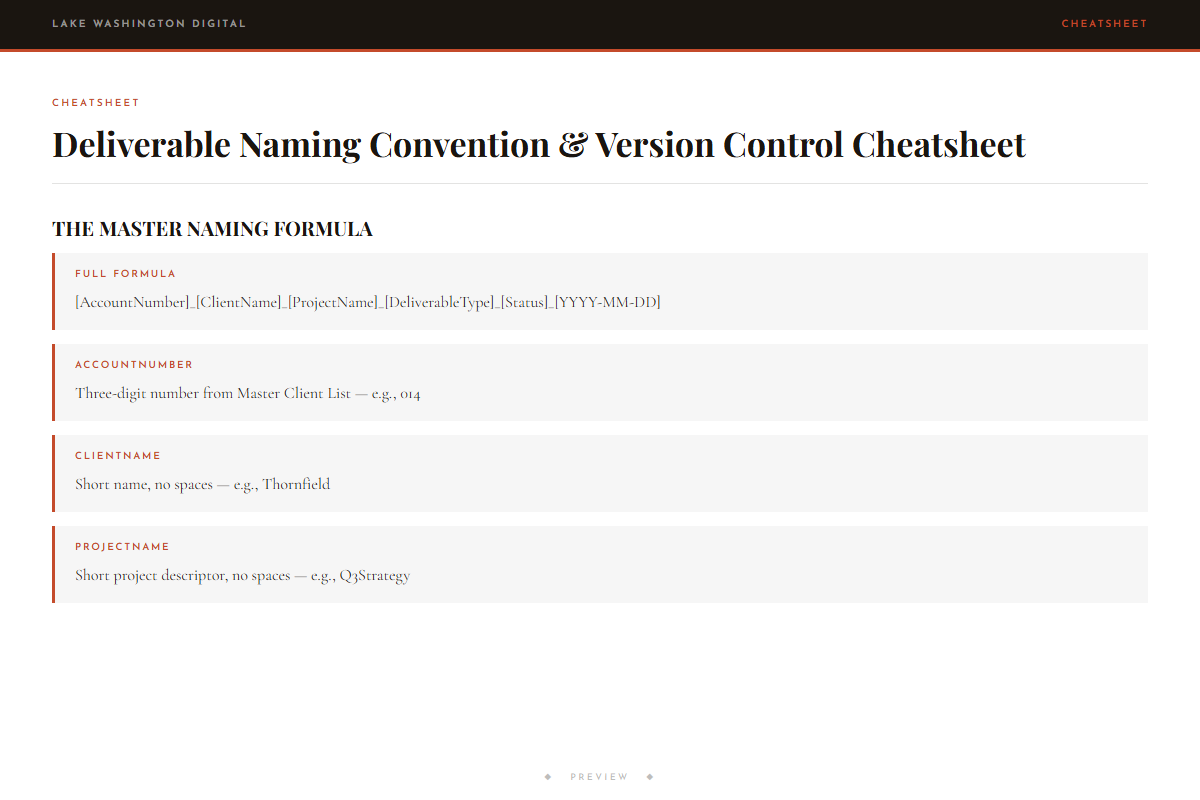
Deliverable Naming Convention & Version Control Cheatsheet
Who this is for
You'll get immediate use from this if…
- Independent consultants running a client management folder structure across 15 to 30 active accounts who keep losing time to file hunting and version confusion.
- Agency owners and solo operators who bring on contractors regularly and need a repeatable contractor onboarding process template they can hand off without a training call.
- Freelancers and consultants who need to know how to organize files for 20 plus clients without rebuilding their system every time a new project or team member comes in.
Questions
Before you buy.
- How to organize files for 20 plus clients without starting from scratch every time?
- The folder template in this kit is built for exactly that situation. You copy one master structure, rename the client folders, and every new account follows the same pattern. You're not designing a system each time — you're duplicating one that already works.
- What is the best folder structure for consultants managing multiple active accounts?
- The playbook covers the specific logic behind the structure included here: how to separate client-level folders from project-level folders, where deliverables live versus working files, and how to handle clients with multiple ongoing engagements. It's not a universal answer, but it's a tested one for service-based consulting work.
- How to onboard contractors efficiently as a consultant without a long explanation meeting?
- The Contractor Onboarding Checklist and the Naming Convention Cheatsheet are designed to be handed directly to a new contractor. They cover where files go, how to name them, and how to handle versions. Most operators send both documents in the welcome email and skip the orientation call entirely.
- How do I manage files across multiple client accounts when contractors all do it differently?
- The cheatsheet gives every contractor the same reference point — specific naming rules, version suffixes, and folder placement. When everyone works from the same one-page document, the variation shrinks fast. The checklist reinforces it during onboarding so the habits start correctly.
- What folder naming system works for service providers with ongoing client relationships?
- The system in this kit uses a date-first naming convention for deliverables, a consistent folder hierarchy that separates active from archived work, and version suffixes that make draft status obvious at a glance. It's covered in both the playbook and the cheatsheet.
More in Business Admin
Other kits for this situation.
Field guide
Go deeper on the situation.
Client Folder Structure Playbook
Deploy the same day you download it.