Client Acquisition
Outreach KitReply-to-Booking Funnel Kit
Cold reply to booked call — email scripts and tracker for independent consultants.
What's in the kit
- Script pack for every reply type: copy-paste templates, send within the hour
- Booking confirmation email template for consultants: confirmation plus two-touch reminder sequence
- 48-Hour Checklist: step-by-step sequence from warm reply to booked call
- Reply-to-calendar link email sequence tracker: weekly dashboard shows exactly where drop-off happens
The situation
Why this kit exists.
The follow up email after prospect books call is where most solo consultants lose the deal — not in the cold email, not on the call itself, but in the 48 hours between a warm reply and a confirmed booking. You get a 'sounds interesting' from a VP of Marketing, you send two paragraphs and a Calendly link, and then nothing. Or you get six warm replies in a month, send the calendar link to all six, and one books. The other five go silent. Or someone does book, but they no-show because you sent zero confirmation or reminder after the calendar invite. That's a pipeline problem, not a prospect problem.
This kit is five assets built around one sequence: reply received, qualify sent, calendar sent, booked, confirmed, reminded, showed. The Reply-to-Booking Guide (PDF) maps the full funnel and explains the timing windows — Hour 1–4 for your qualify response, Hour 24–48 for the calendar link, 24 hours before the call for the reminder, 2 hours before for the pre-call primer. The Script Pack (PDF) gives you copy-paste email templates for every reply type: CURIOUS, TELL_ME_MORE, QUALIFIED, and SILENT_AFTER_REPLY. Every template uses <<VARIABLE_NAME>> placeholders so you can fill and send in under five minutes. The Discovery Call Prep Template (DOCX) captures prospect context before the call so you walk in with one clear objective — what you need to know about fit and urgency to decide on a next step. The Funnel Tracker (XLSX) is a weekly dashboard that shows your reply-to-booking rate by stage so you can see exactly where prospects are dropping off. The 48-Hour Sequence Checklist (PDF) is the operational checklist you run every time a warm reply lands in your inbox.
Here is how you use it: a warm reply comes in. You open the checklist. You pick the right script from the pack based on reply type. You send the qualify email within four hours. If they respond and they fit, you send the calendar link with the booking confirmation email template for consultants included in the script pack. When they book, the confirmation sequence fires — one email at booking, one 24 hours before, one 2 hours before. You log the sequence steps in the tracker. At the end of the week, you look at your dashboard. If your reply-to-booking rate is below 25%, the tracker shows you which step is leaking.
This kit came out of a real problem. Six warm replies in one month, one booked call. The drop-off was happening at the qualify-to-calendar step — sending the calendar link without a qualification email first meant prospects had no reason to commit. The discovery call no-show prevention email sequence in the script pack cut no-shows because it gave prospects a reason to show up: a pre-call primer that told them exactly what the call was for and what they should bring. The scripts and tracker in this kit are what got built to fix that, and they are what you are downloading.
What's inside
Every file. What it does.
-
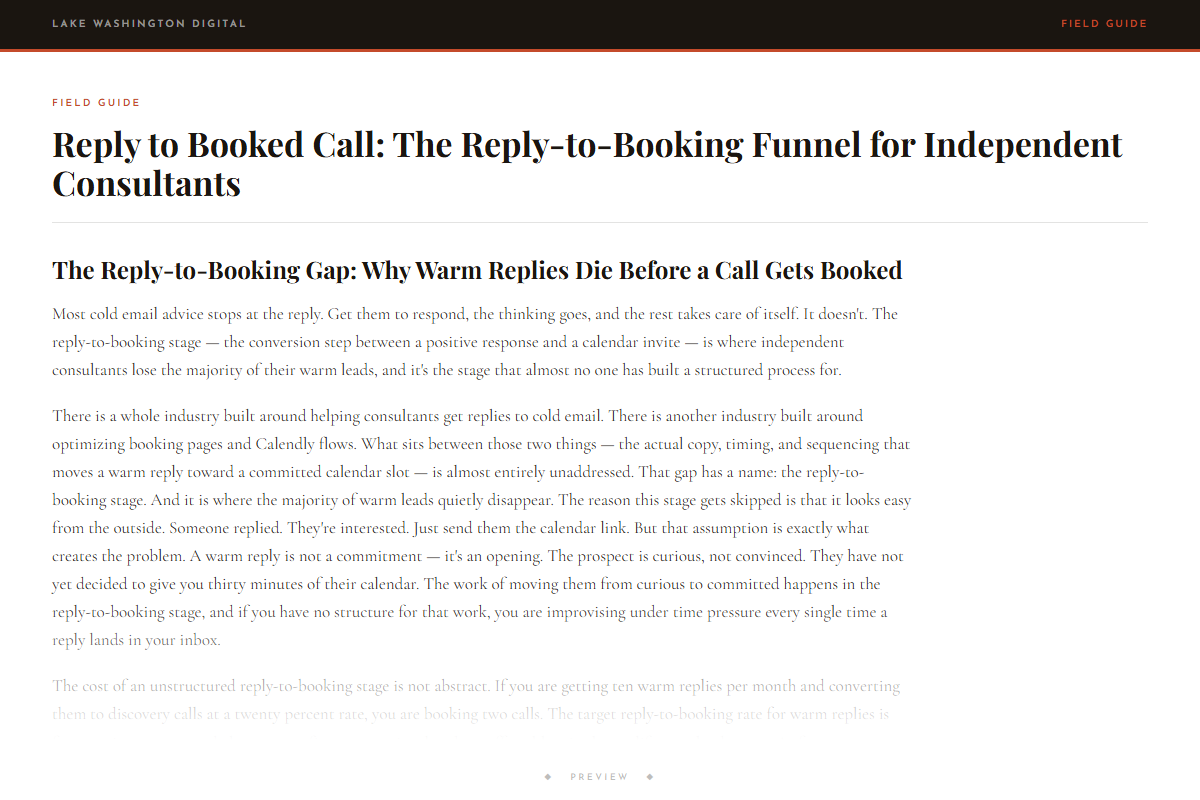
Reply to Booked Call: The Reply-to-Booking Funnel for Independent Consultants
-
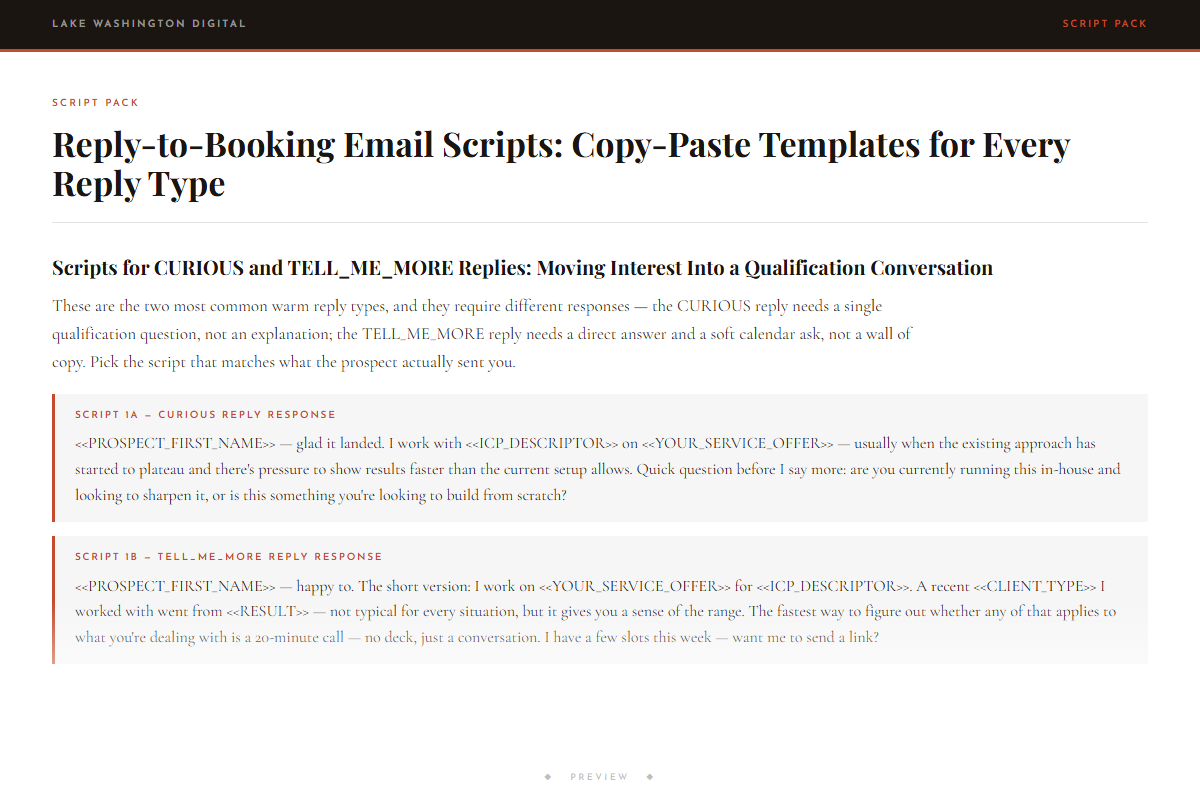
Reply-to-Booking Email Scripts: Copy-Paste Templates for Every Reply Type
-
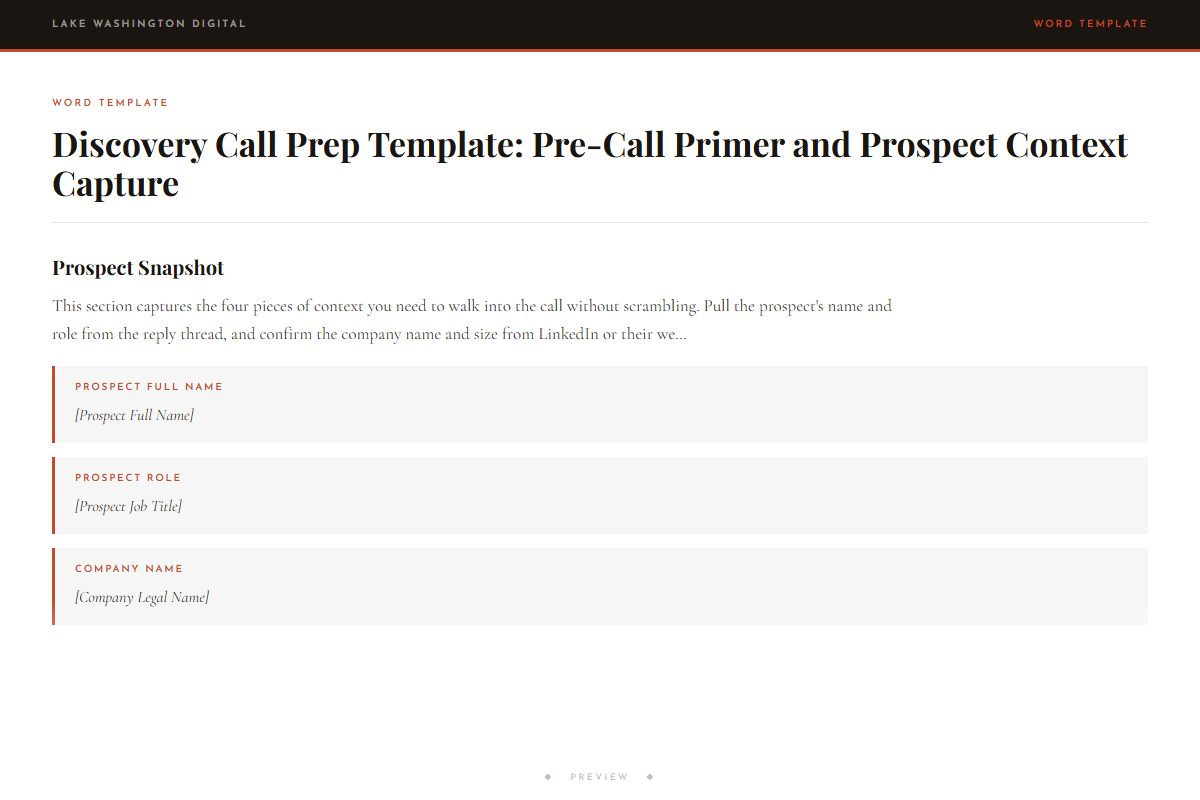
Discovery Call Prep Template: Pre-Call Primer and Prospect Context Capture
- ◆ Excel Dashboard
Reply-to-Booking Funnel Tracker: Weekly Conversion Dashboard
-
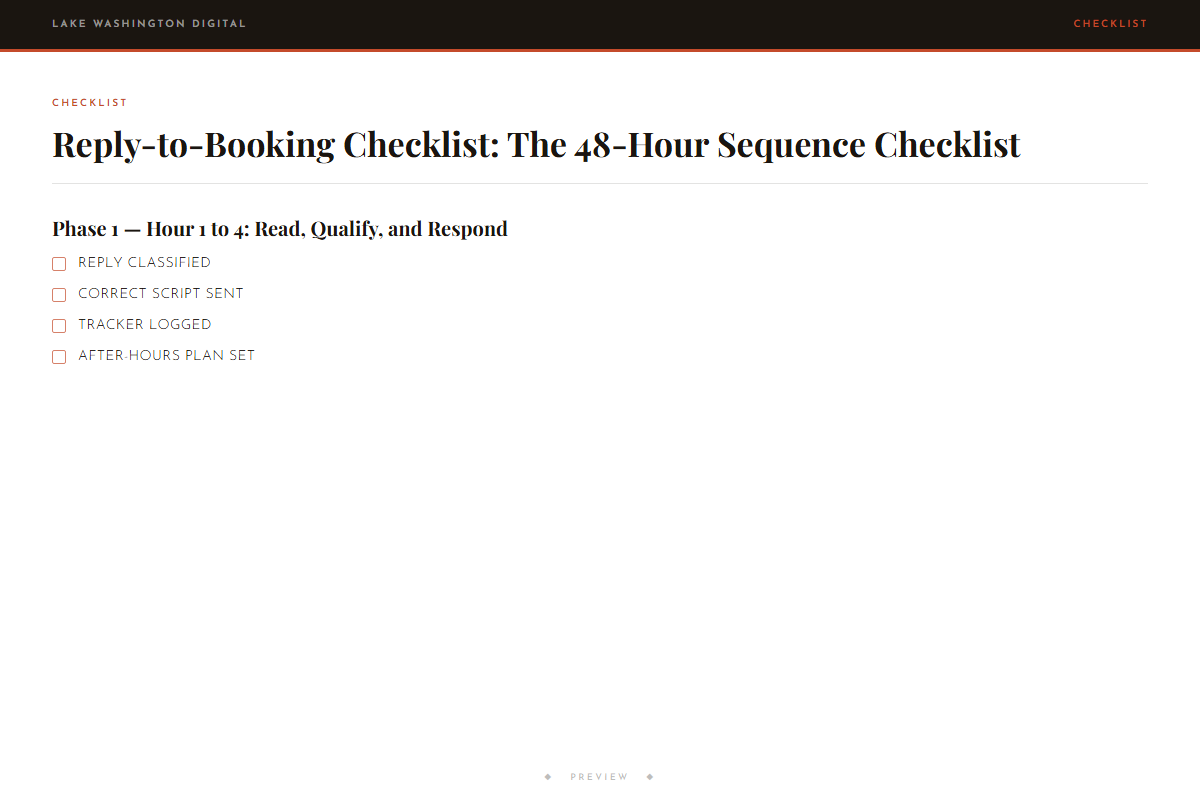
Reply-to-Booking Checklist: The 48-Hour Sequence Checklist
Who this is for
You'll get immediate use from this if…
- Independent consultants running cold email outreach who get warm replies but lose prospects before a call is booked — specifically at the step where they send a calendar link and hear nothing back.
- Solo service operators with a reply-to-booking rate below 25% who need to know how to qualify leads before sending calendar link, so they stop sending Calendly links to unqualified prospects who ghost.
- Consultants and freelancers who book discovery calls but suffer high no-show rates because they have no confirmation sequence or reminder email — and need an email template to reduce no-shows on booked calls.
Questions
Before you buy.
- How to follow up when prospect goes silent after saying yes?
- The script pack includes a SILENT_AFTER_REPLY template specifically for this. It is a short, direct re-engage email you send 48–72 hours after a prospect replied once and went dark. It does not re-pitch. It asks one yes-or-no question to reopen the thread.
- What to send after prospect books discovery call?
- The kit includes a three-touch confirmation sequence: a booking confirmation email sent immediately after they book, a reminder email 24 hours before the call, and a pre-call primer 2 hours before. All three templates are in the script pack with <<VARIABLE_NAME>> placeholders.
- Is there an email template to reduce no-shows on booked calls?
- Yes. The 24-hour reminder and 2-hour pre-call primer templates in the script pack are built specifically for no-show prevention. The pre-call primer tells the prospect what the call is for, what you will cover, and what they should have ready — which is the main reason confirmed prospects actually show up.
- How to qualify leads before sending calendar link?
- The guide covers this in the qualify-first step. Instead of sending the calendar link on the first reply, you send a qualify email within Hour 1–4 that asks one or two specific questions about fit and urgency. The script pack has qualify email templates for each reply type. You only send the calendar link after they respond to the qualify email.
- Does this work if I am using a booking tool like Calendly or Cal.com?
- Yes. The kit is tool-agnostic. The calendar link in the templates is a placeholder — <<CALENDAR_LINK>> — that you replace with your booking URL. The confirmation and reminder sequences are emails you send manually or load into your email tool; they are not dependent on your booking tool's built-in notifications.
- How long does it take to set this up?
- Most operators have the scripts filled in and the tracker set up within 90 minutes. The checklist is operational the same day. The templates use <<VARIABLE_NAME>> placeholders, so filling them in for your offer and your prospect takes about five minutes per email.
More in Client Acquisition
Other kits for this situation.
Reply-to-Booking Funnel Kit
Deploy the same day you download it.