Sales & Proposals
Follow-up KitProposal Follow-Up Playbook
5-touch follow-up system for consultants tracking open proposals
What's in the kit
- 5-Touch Email Sequence: copy-ready follow-up emails for Day 3 through Day 35
- Proposal Tracker Dashboard: status codes and dates for every open proposal
- Decision Tree: know when to persist, pivot scope, or walk away
- Calendar Template: consultant proposal follow-up template with scheduled next actions
The situation
Why this kit exists.
You sent the proposal. You have a proposal follow-up sequence for consultants — or you thought you did. Then Day 3 passed. Day 7. Radio silence. You don't know if they're still interested, if the budget got pulled, or if they're just slow. You have other prospects in your pipeline, a referral you can't commit to, and no system for deciding what to do next. That's the problem this kit solves.
The kit includes five assets: the After the Proposal guide (PDF) that walks you through the full follow-up framework; the 5-Touch Follow-Up Email Sequence (PDF) with copy-ready emails for Day 3, Day 7, Day 14, Day 21, and Day 35; the Proposal Follow-Up Calendar Template (DOCX) so every open proposal has a scheduled next action; the Follow-Up Decision Tree (PDF) that tells you when to persist, when to pivot the scope, and when to close the file; and the Proposal Follow-Up Tracker Dashboard (XLSX) with status codes and date columns for every active proposal in your pipeline.
Here's how you use it: open the tracker, enter every open proposal with its sent date and current status code — SENT, TOUCHED-1, TOUCHED-2, and so on through ARCHIVED. The calendar template tells you which proposals need action this week. The email sequence gives you the exact copy for each touch, calibrated by tone: warm check-in at Day 3, value-add at Day 7, gentle urgency at Day 14, a pivot offer at Day 21, and a graceful close at Day 35. The decision tree handles the judgment calls — including what to do when a prospect asked clarifying questions before the proposal and then went silent after your first follow-up.
This kit came out of a real capacity problem. Managing three active client engagements while tracking two or three open proposals in a Notion doc that doesn't alert you to missed windows is how you lose $19,500 in a quarter without noticing until it's gone. The tracker and calendar exist because ad hoc systems fail under load. The email sequence exists because most consultants either wait too long, follow up too vaguely, or send something that reads as desperate. None of those outcomes are acceptable when you're running a $5K–$50K engagement pipeline.
If you already have a follow-up system that's working, you don't need this. If your CRM handles proposal status tracking and sends you reminders, you don't need this. But if you're manually tracking open proposals and you've missed a follow-up window in the last 90 days, the tracker alone is worth the price.
Download, open the tracker, and enter your open proposals before you do anything else. That's the first move.
What's inside
Every file. What it does.
-
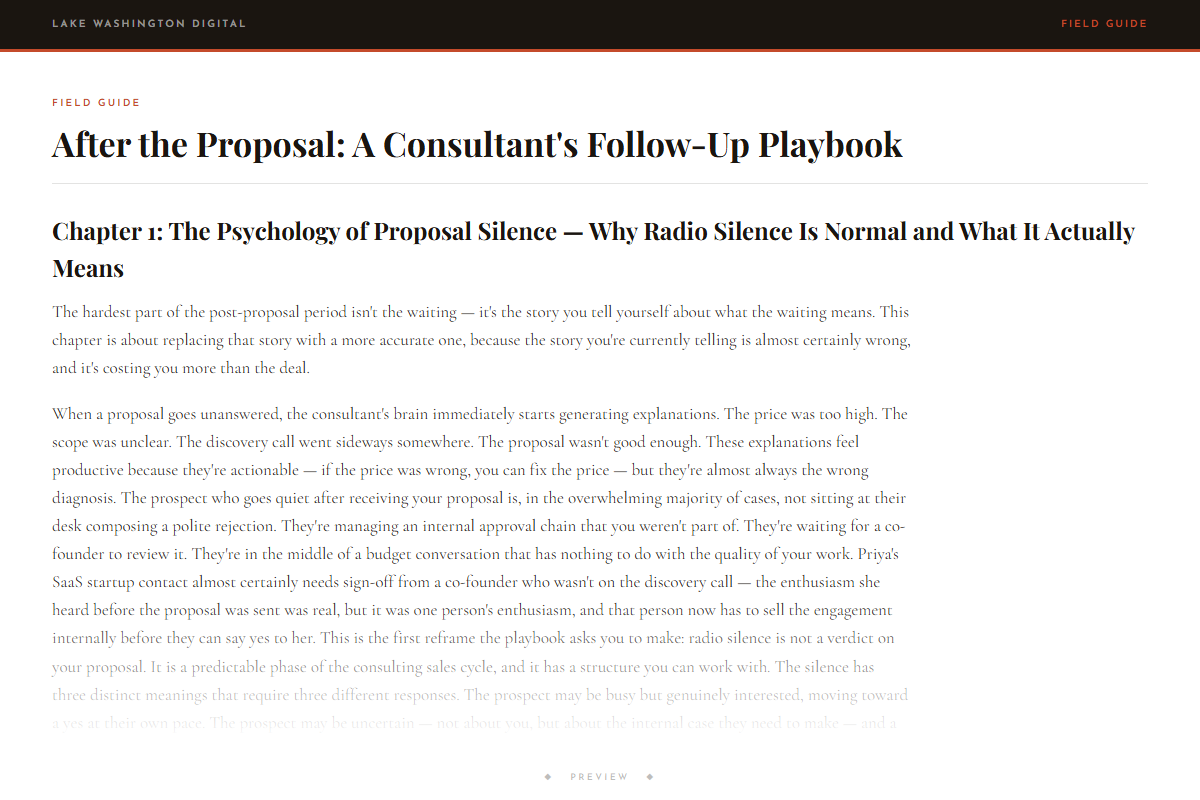
After the Proposal: A Consultant's Follow-Up Playbook
-
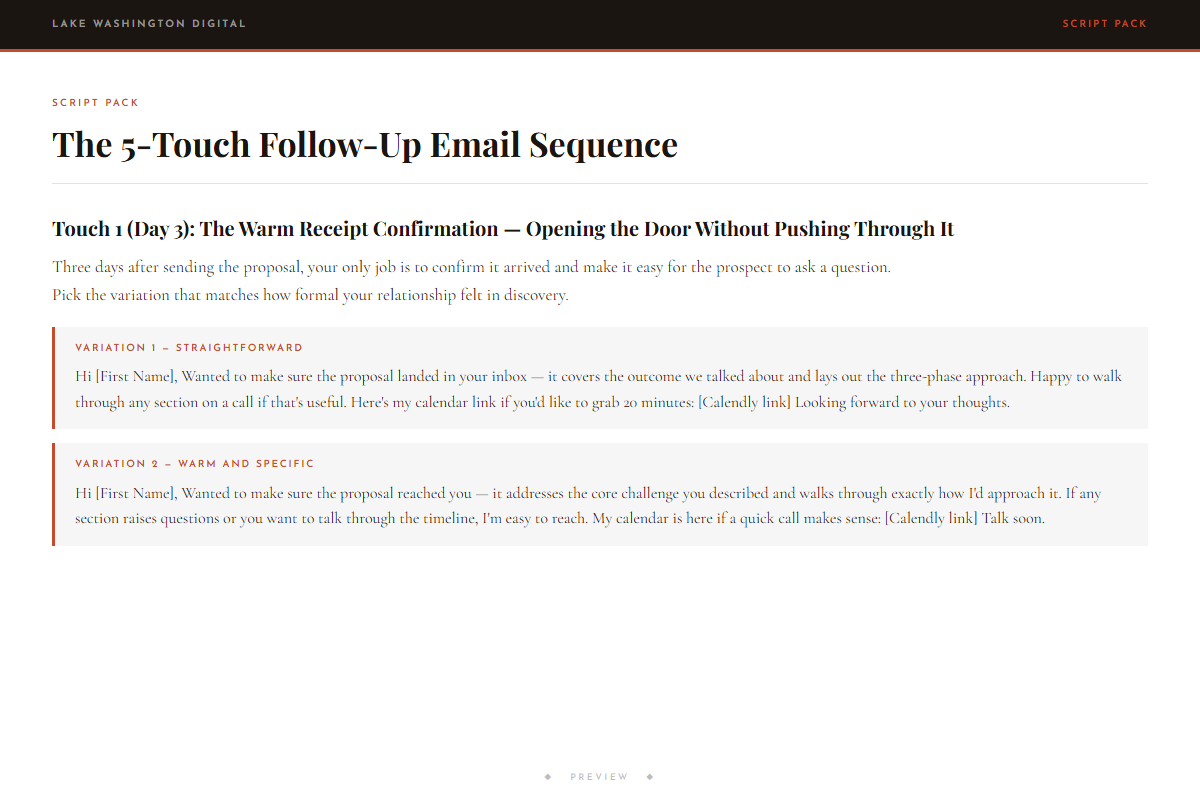
The 5-Touch Follow-Up Email Sequence
-
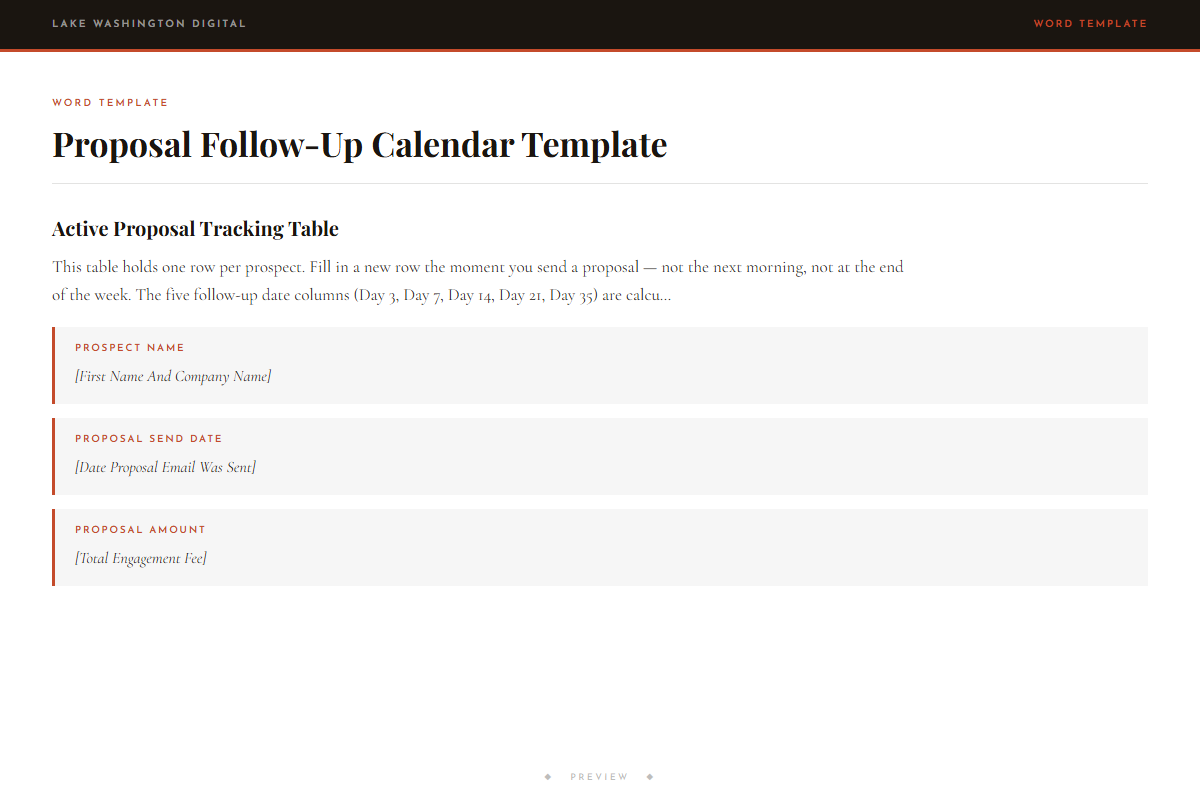
Proposal Follow-Up Calendar Template
-
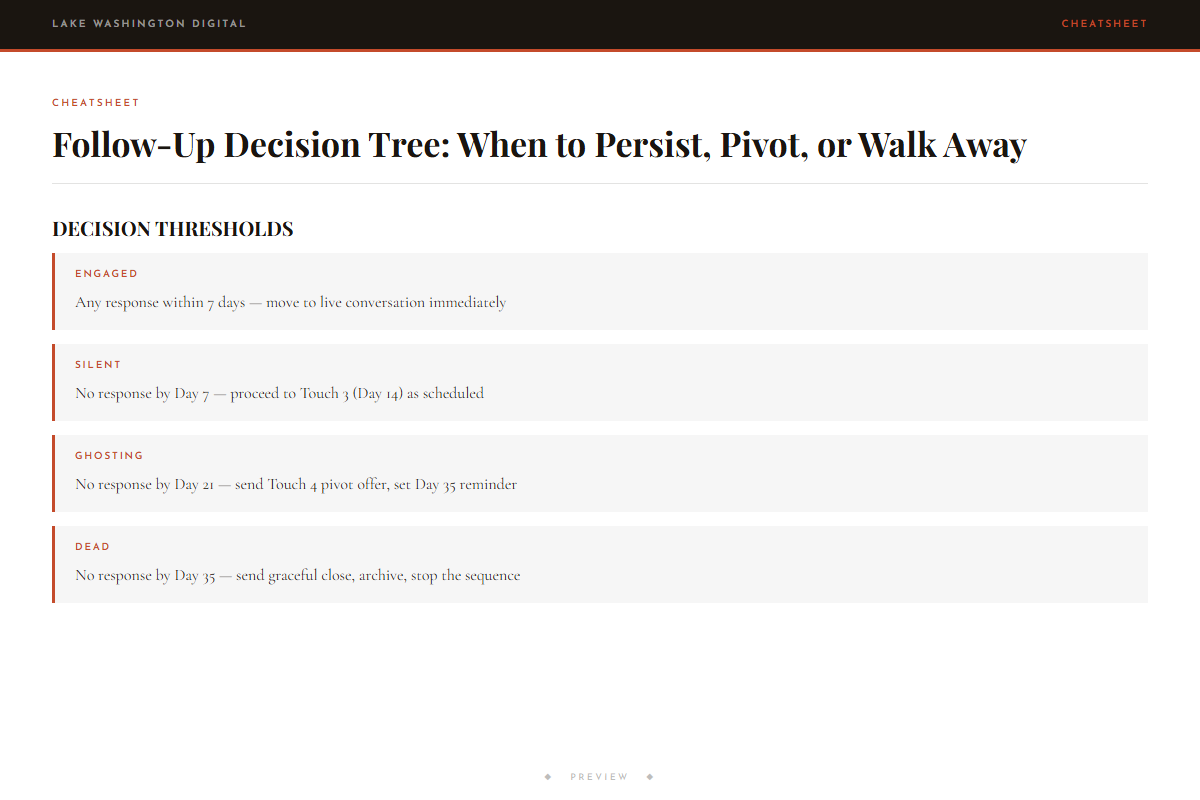
Follow-Up Decision Tree: When to Persist, Pivot, or Walk Away
- ◆ Excel Dashboard
Proposal Follow-Up Tracker Dashboard
Who this is for
You'll get immediate use from this if…
- Solo consultants and fractional operators with $5K–$50K proposals in flight who want to know how to follow up after sending a proposal without sounding like they're chasing.
- Independent consultants managing 3–10 active or pipeline clients who have missed follow-up windows because their tracking system is a Notion doc or a sticky note.
- B2B service operators — brand strategists, UX consultants, fractional executives — asking what to do when prospect goes silent after proposal, especially after the prospect already showed interest or asked questions.
Questions
Before you buy.
- How many days should I wait before following up on a proposal?
- Day 3 is the first touch — warm, short, no pressure. Waiting longer than that without a scheduled next action is where deals quietly die. The kit maps out Day 3, 7, 14, 21, and 35, with different email tone and intent at each stage.
- What to say in a proposal follow-up email that doesn't seem desperate?
- The sequence is built around this exact problem. Each email has a specific job: Day 3 is a warm check-in, Day 7 adds a piece of value, Day 14 introduces gentle urgency tied to your capacity, Day 21 offers a scope pivot, and Day 35 closes gracefully. None of them say 'just checking in' or 'circling back.'
- I'm a consultant losing deals because of missed follow-up windows — will this fix that?
- The tracker and calendar template exist specifically for this. You enter each open proposal with its sent date, and the calendar tells you which proposals need a follow-up action this week. The status codes (SENT, TOUCHED-1 through TOUCHED-5, ENGAGED, PIVOTED, CLOSED-WON, CLOSED-LOST, ARCHIVED) give you a clear picture of where every deal stands.
- How do I track multiple open proposals and follow-up dates without missing anything?
- The Proposal Follow-Up Tracker Dashboard (XLSX) handles this. Enter your proposals, their sent dates, deal values, and current status codes. The calendar template maps each one to a scheduled next action. It's built for a pipeline of 3–10 active proposals running simultaneously.
- Should I follow up if a prospect asked questions then went silent after my first touch?
- Yes — and the decision tree covers this specific scenario. A prospect who asked clarifying questions before the proposal is categorized as Engaged until Day 7 with no response, then Silent. The tree tells you what to send at Day 14 and whether to offer a scope pivot at Day 21 or hold the original proposal.
More in Sales & Proposals
Other kits for this situation.
Proposal Follow-Up Playbook
Deploy the same day you download it.