Sales & Proposals
Client Operations KitScope Lock: Project Agreement Kit
Pre-kickoff SOW bundle for service operators who bill flat-project fees.
What's in the kit
- SOW template with revision limits: set rounds and out-of-scope pricing before kickoff
- Script pack for scope creep: copy-paste scripts for change orders and revision pushback
- Acceptance criteria format: one sentence per deliverable, payment trigger included
- Scope tracker dashboard: log deliverable status, revision rounds, and change order approvals
The situation
Why this kit exists.
If you've ever sent a scope of work template for service providers and still ended up on revision round four, writing copy that wasn't in the contract, or arguing over whether a deliverable is actually done — this kit is the fix. The problem isn't that clients are difficult. The problem is that most SOWs don't define revision limits, don't list what's out-of-scope, and don't include acceptance criteria per deliverable. So when the client asks for packaging design on a logo project, or wants you to train their office manager on a web build, there's nothing in writing to point to.
Scope Lock is a five-asset bundle: a pre-kickoff guide PDF that walks you through every clause your SOW is missing, a Scope of Work template (DOCX) with built-in revision round limits and out-of-scope pricing, a pre-kickoff sign-off checklist, a script pack for handling revision limit conversations and change order requests, and a project scope tracker (XLSX) that logs deliverable status, revision rounds used, and change order approval status.
Here's how you use it: before your next project kicks off, open the SOW template, fill in your deliverables, set your revision round limit (default is two rounds per deliverable, with your additional revision rate filled into the <<AdditionalRevisionRate>> placeholder), and define acceptance criteria — one sentence per deliverable stating the measurable condition under which it's complete and payment triggers. Run the pre-kickoff checklist with your client before work starts. When a client asks for something outside the agreement, you open the script pack, pull the right script, and send a change order. The tracker keeps your paper trail clean throughout.
This kit was built because the alternative — a vague SOW and a handshake on scope — costs real money. A $6,000 web project that bleeds into copywriting and staff training isn't a $6,000 project anymore. A $12,000 strategy engagement where the client disputes whether the deck is done because there are no milestone acceptance criteria is a collections problem waiting to happen. These documents exist because the gap between what operators agree to and what clients expect is almost always a documentation problem, not a relationship problem.
This is not a course. There's no video, no module, no onboarding call. You download the files, open the template, and fill it in before your next kickoff. The scripts are copy-paste ready. The tracker is pre-formatted. If you already have a SOW and it's missing revision limits or out-of-scope triggers, the checklist tells you exactly what to add.
Price is $27 at launch. Download, deploy, hand it off clean.
What's inside
Every file. What it does.
-
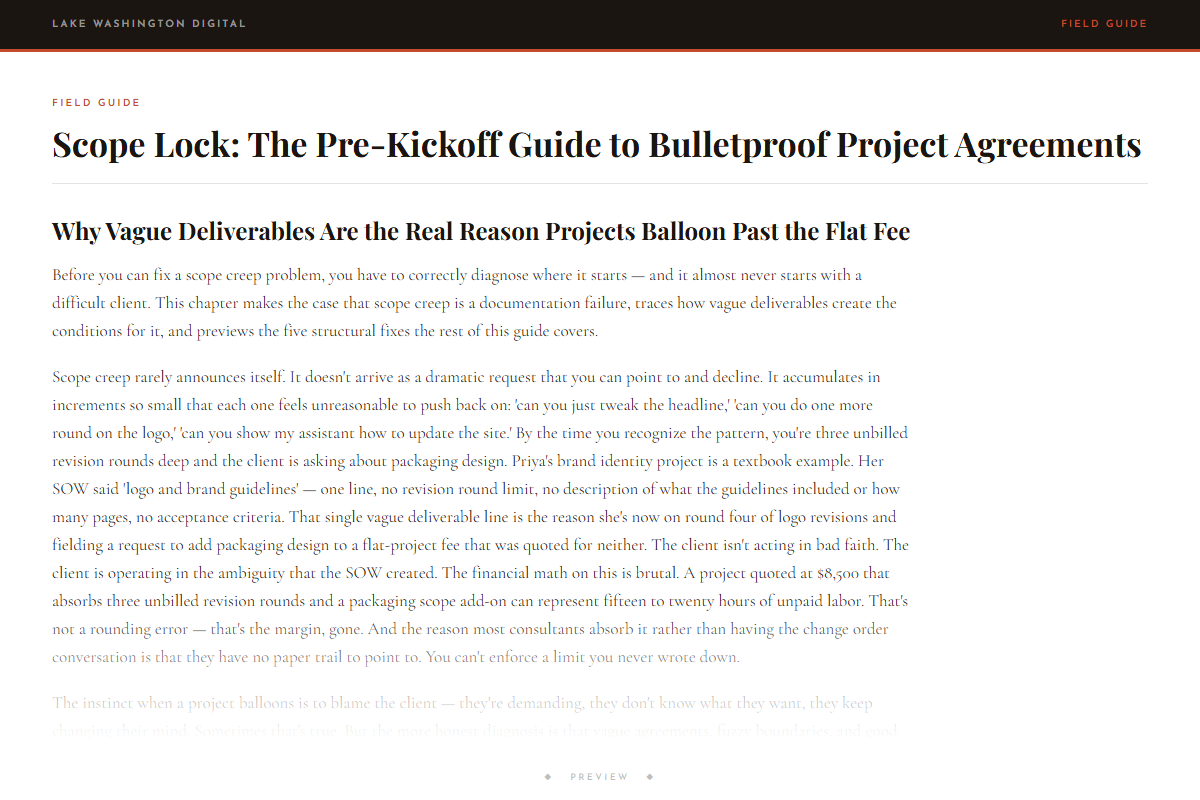
Scope Lock: The Pre-Kickoff Guide to Bulletproof Project Agreements
-
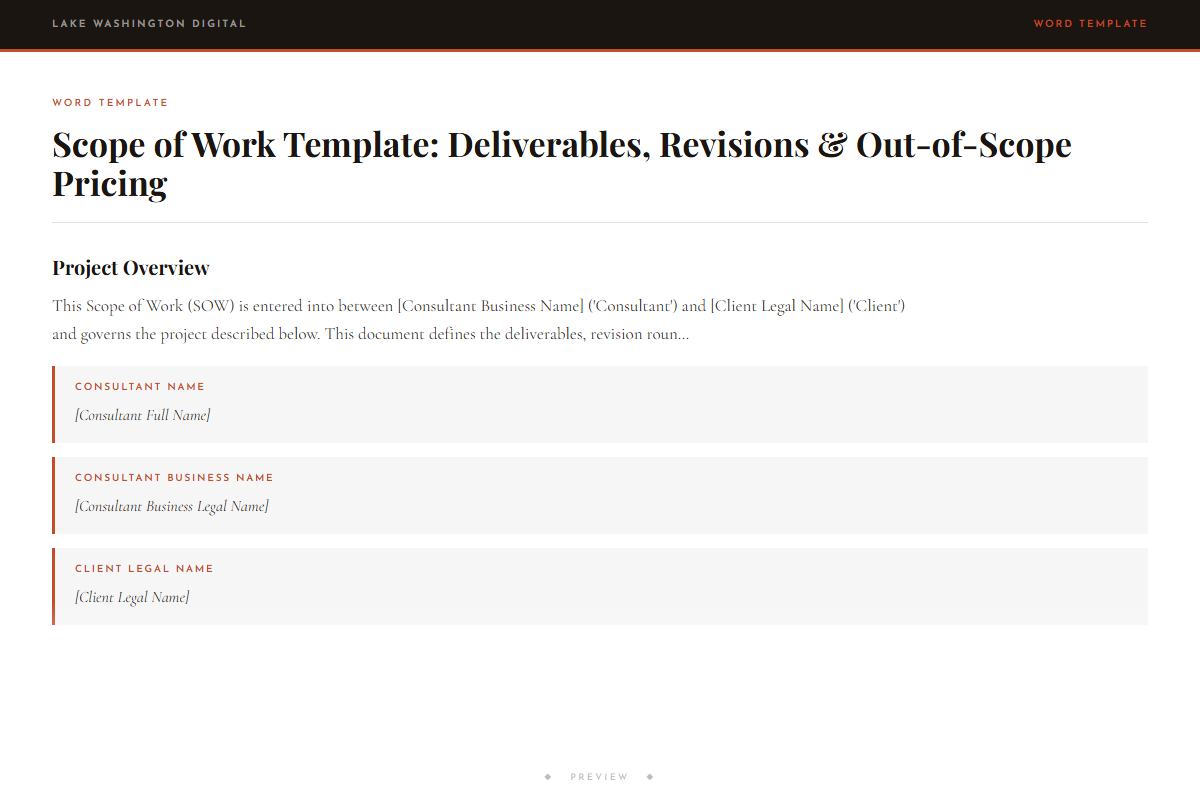
Scope of Work Template: Deliverables, Revisions & Out-of-Scope Pricing
-
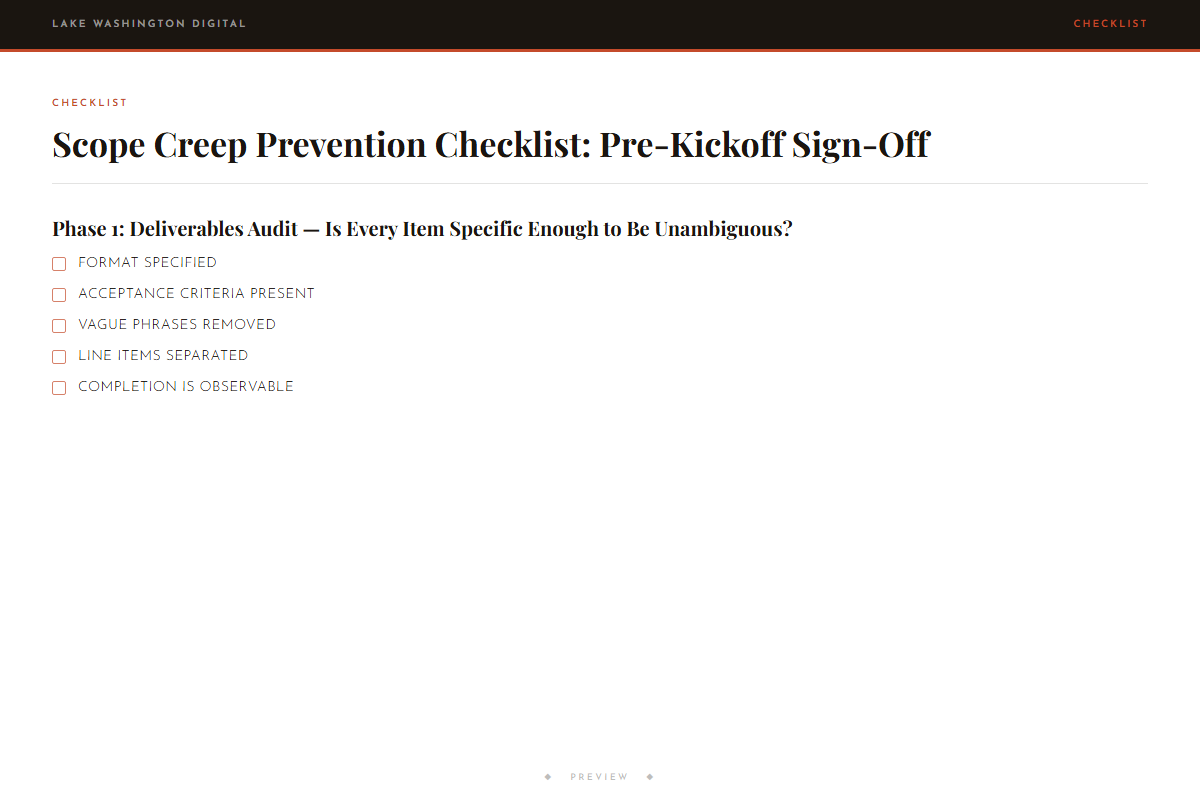
Scope Creep Prevention Checklist: Pre-Kickoff Sign-Off
-
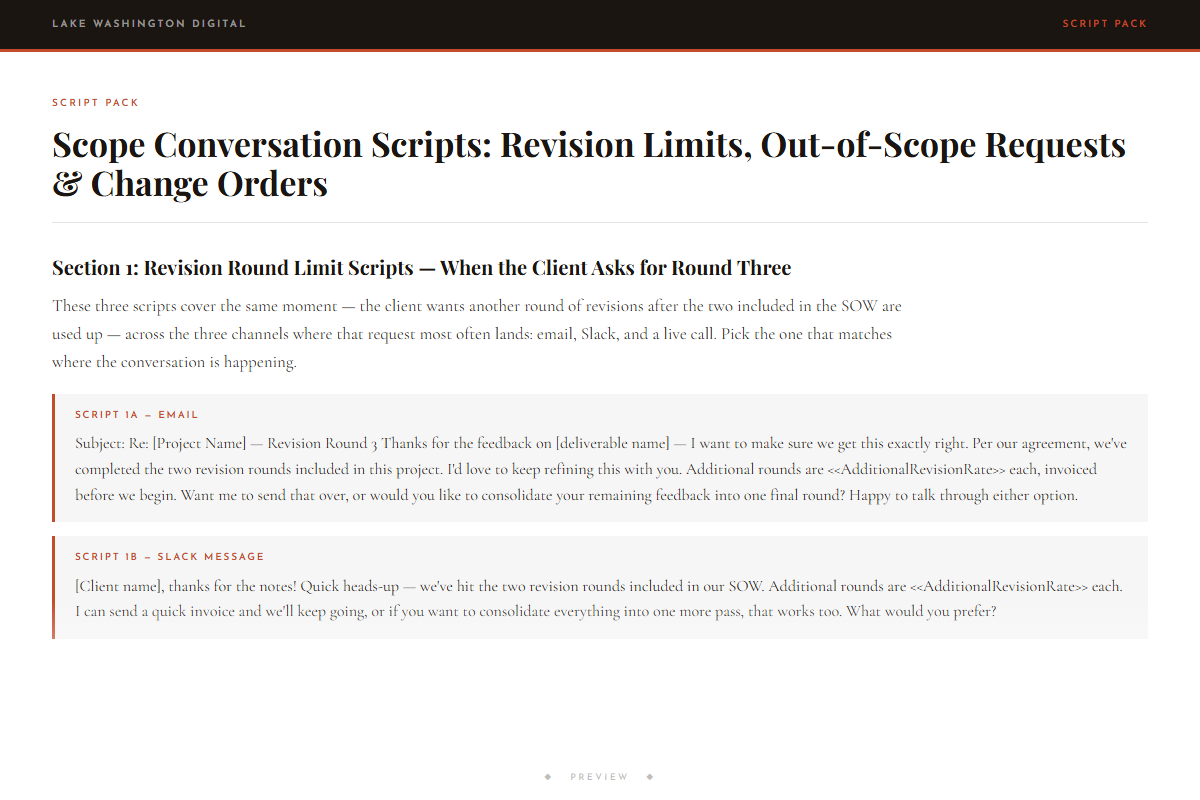
Scope Conversation Scripts: Revision Limits, Out-of-Scope Requests & Change Orders
- ◆ Excel Dashboard
Project Scope Tracker: Deliverables, Revisions & Change Orders
Who this is for
You'll get immediate use from this if…
- Freelance designers, brand strategists, and Webflow developers who close flat-project fee engagements and need a client services scope agreement template that defines revision rounds and out-of-scope work before the first deliverable is sent.
- Marketing consultants and agency owners running multi-milestone engagements who need acceptance criteria at each milestone — not just at final delivery — so disputed deliverables don't stall payment.
- Solo founders and consultants using a freelance project scope document for the first time, or replacing a vague SOW that has already caused a scope creep problem on a current project.
Questions
Before you buy.
- How do I write a scope of work that prevents scope creep?
- The guide PDF covers this directly. The short answer: your SOW needs revision round limits per deliverable, a named list of out-of-scope services, acceptance criteria for each milestone, and a change order process stated in writing before work begins. The template has all of these built in.
- What should be included in a service provider SOW?
- At minimum: a deliverable list with descriptions, revision round limits, acceptance criteria per deliverable (one sentence stating the measurable condition under which it's complete), an out-of-scope trigger list, your change order pricing formula, and payment terms tied to acceptance. The SOW template in this kit includes all of these.
- How do I define out-of-scope work in client agreements?
- List it explicitly. The template includes a pre-populated out-of-scope trigger list — team training, ongoing support, copywriting on design-only SOWs, additional stakeholder review rounds, email automation, and more. You edit it to match your service type and it becomes part of the signed agreement.
- Is there a scope of work template with revision limits included?
- Yes. The DOCX template defaults to two revision rounds per deliverable. There's an <<AdditionalRevisionRate>> placeholder you fill in with your own dollar amount — for example, $150 per round or $300 per round — and that rate is referenced in the client-facing scripts when a client asks for an additional round.
- How do I set acceptance criteria in project agreements?
- The guide gives you the format: one sentence per deliverable stating the measurable condition under which it's considered complete and payment is triggered. For example: 'The strategy deck is accepted when the client confirms in writing that all five sections reflect the agreed positioning framework.' The template has a column for this on every deliverable row.
More in Sales & Proposals
Other kits for this situation.
Field guide
Go deeper on the situation.
Scope Lock: Project Agreement Kit
Deploy the same day you download it.